


Description
Download Blogger APK – blog, blogger, free blog, content creation, mobile blogging, social media, online publishing, website creation, personal blog, digital publishing
Overview
Blogger is a mobile application designed to support content creators in publishing and managing blogs directly from their Android devices. As a digital publishing platform, it enables users to create, edit, and share written content on the go, making it ideal for individuals who want to maintain a personal or lifestyle blog without relying on a desktop. The app simplifies the process of website creation by offering access to a library of pre-designed templates, themes, and plugins, allowing users to customize the visual appearance of their blogs without requiring HTML or coding knowledge.
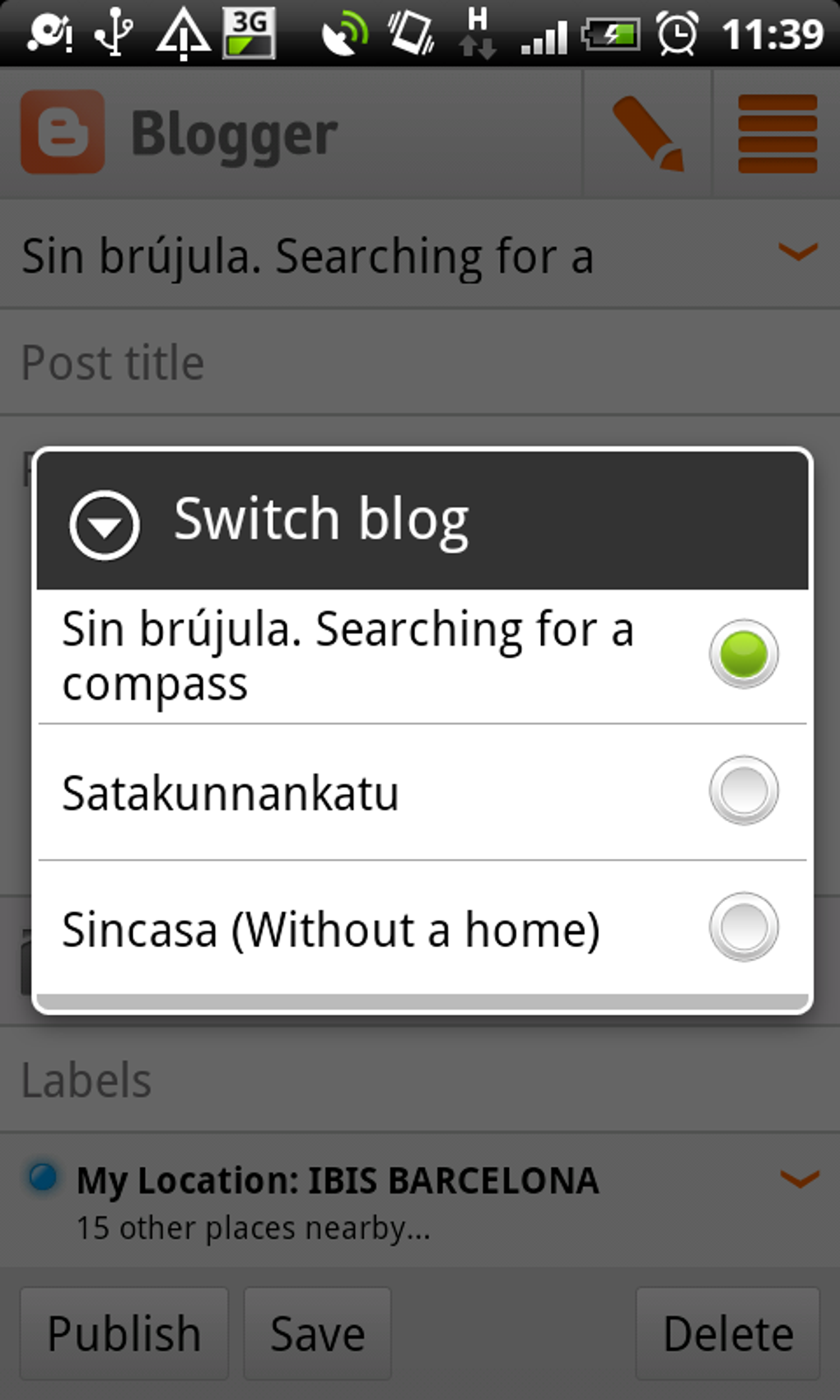
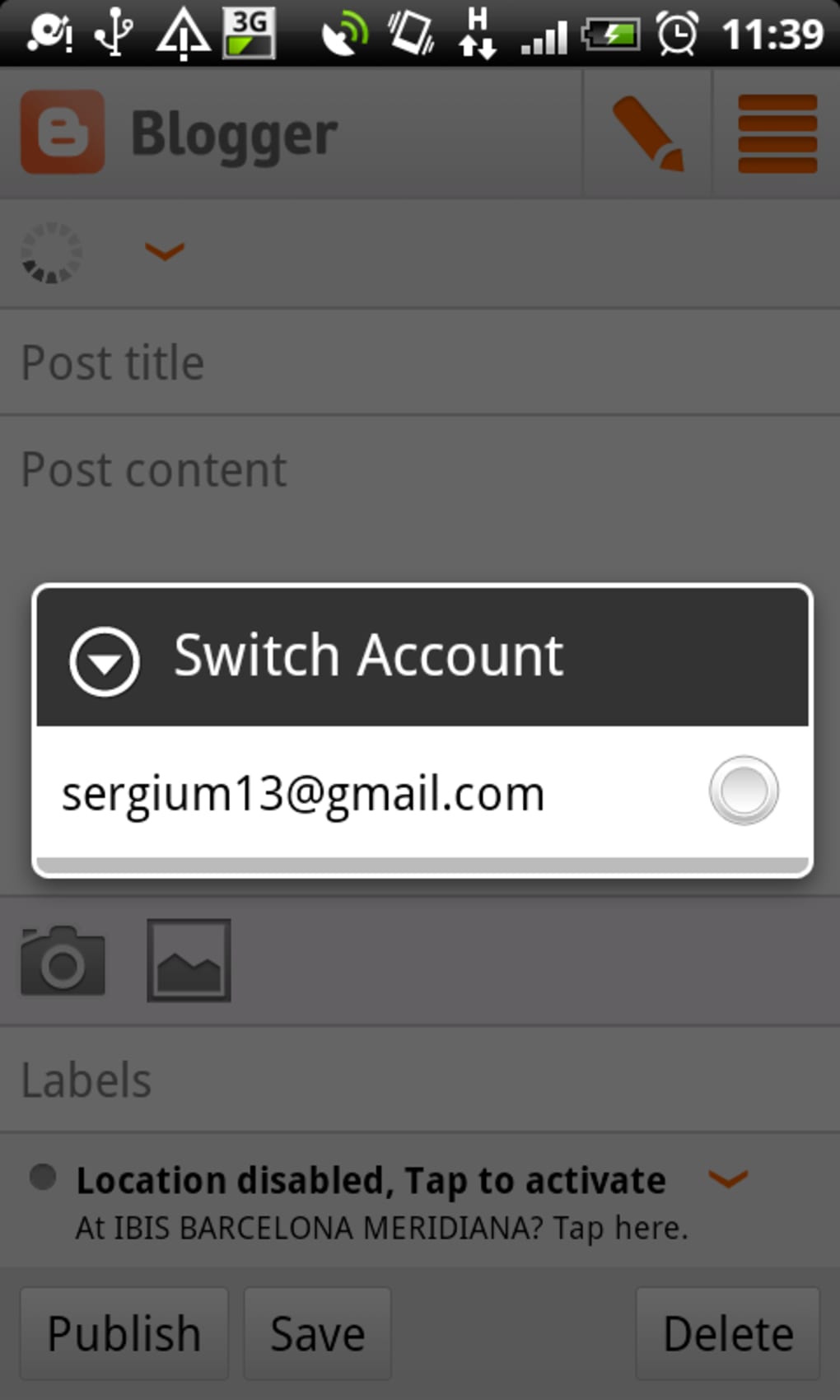
Target users include aspiring bloggers, students, hobbyists, and professionals seeking to share insights, recipes, travel experiences, or creative writing with a personal or niche audience. The platform supports multiple blog management, enabling users to switch between different blogs with minimal effort. It also provides basic analytics to track post performance and audience location, helping users understand which content resonates most with readers.
The developer did not provide additional details about the company’s background or development philosophy. However, the app is built under the broader Blogger ecosystem, known for its user-friendly approach to online publishing. Real-world use cases include sharing daily reflections, documenting personal projects, or creating a digital portfolio. While the mobile version offers convenience, certain advanced features available on the web platform are not fully supported in the app.
Key Features & Capabilities
- Mobile Blog Creation – Compose and publish blog posts directly from your Android device, ideal for capturing ideas in real time.
- Template Library – Access hundreds of customizable templates to design a blog that reflects personal or professional branding. li>Multi-Blog Management – Seamlessly switch between multiple blogs with a single tap, useful for users managing several content streams.
- Basic Analytics – View post performance metrics and audience demographics to assess content reach and engagement.
- Free Domain Support – Use a free subdomain (e.g., username.blogspot.com) to publish content without additional costs.
- Content Editing Tools – Format text, insert images, and manage media directly within the app for streamlined content creation.
These features allow users to maintain an active online presence even when away from a computer. For example, a travel blogger can write and publish a post from a remote location, while a student can document their academic journey using visual and written content. The ability to preview and publish posts on the go enhances workflow efficiency. However, the app lacks support for scheduled posts and may experience formatting inconsistencies when transferring content between platforms, which can affect post readability.
User Interface, Workflow & Performance
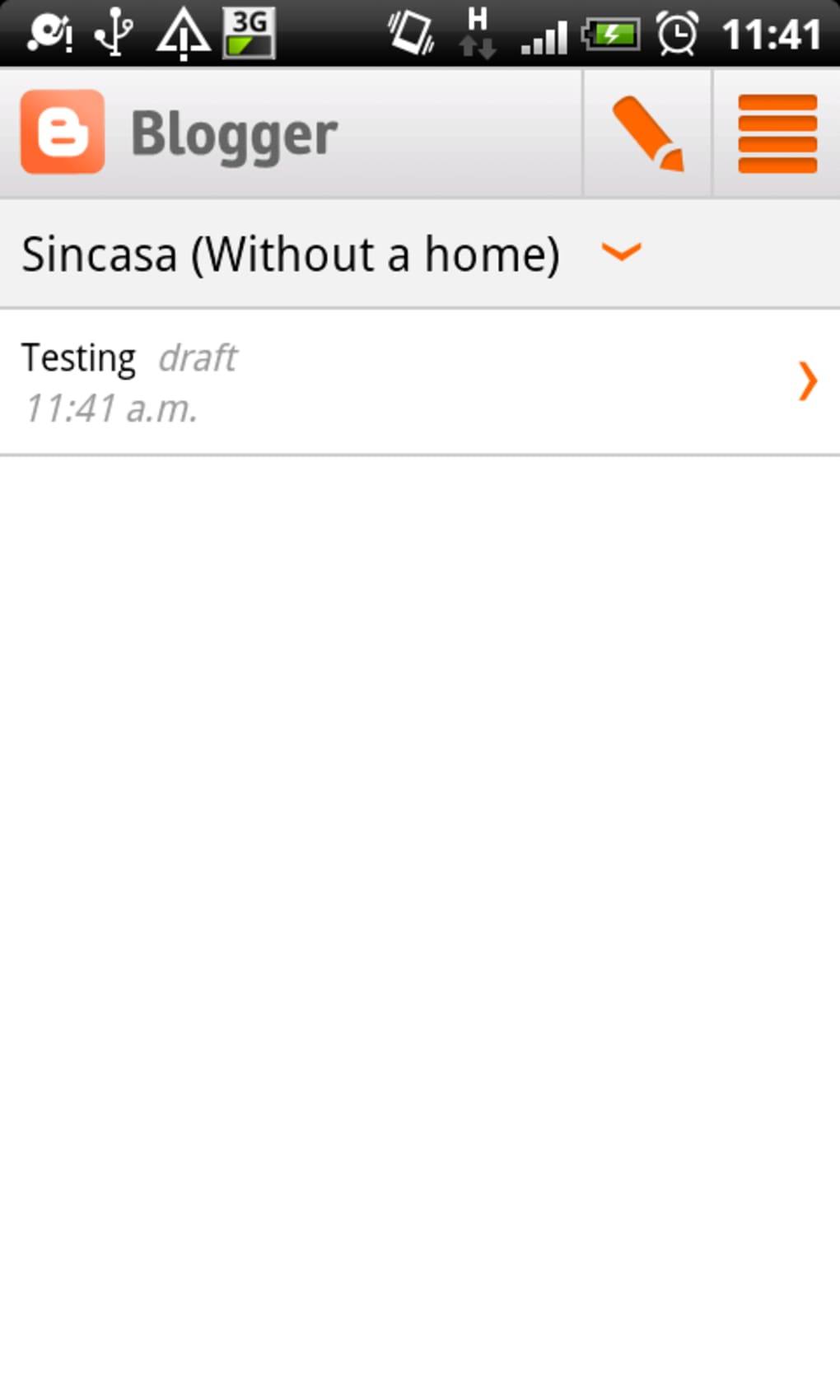
The user interface of the Blogger APK is designed with simplicity in mind, featuring a clean layout that prioritizes content creation and navigation. The main dashboard displays a list of active blogs, with quick access to create new posts, view drafts, and check analytics. Navigation is intuitive, using bottom navigation bars and clear icons, which reduces the learning curve for new users.
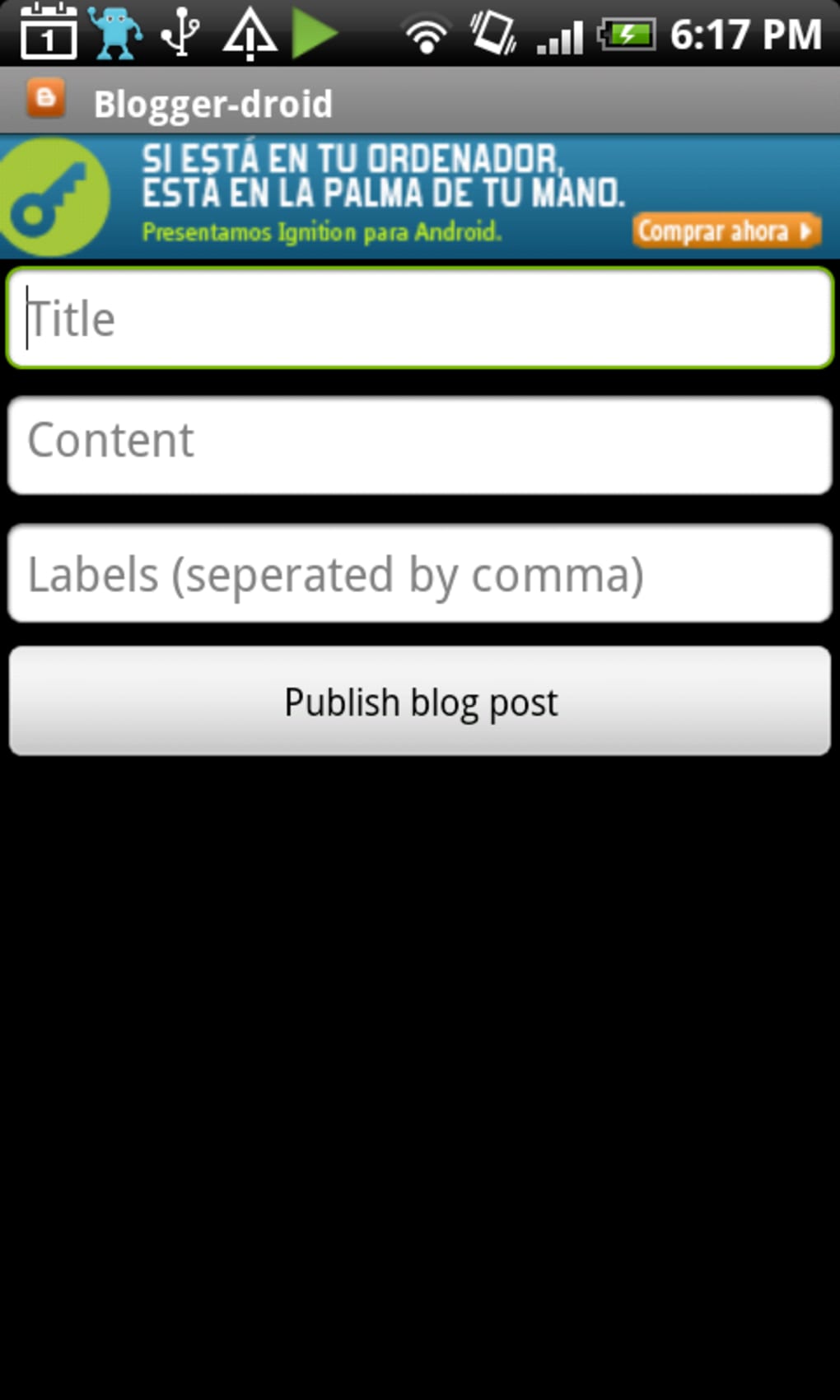
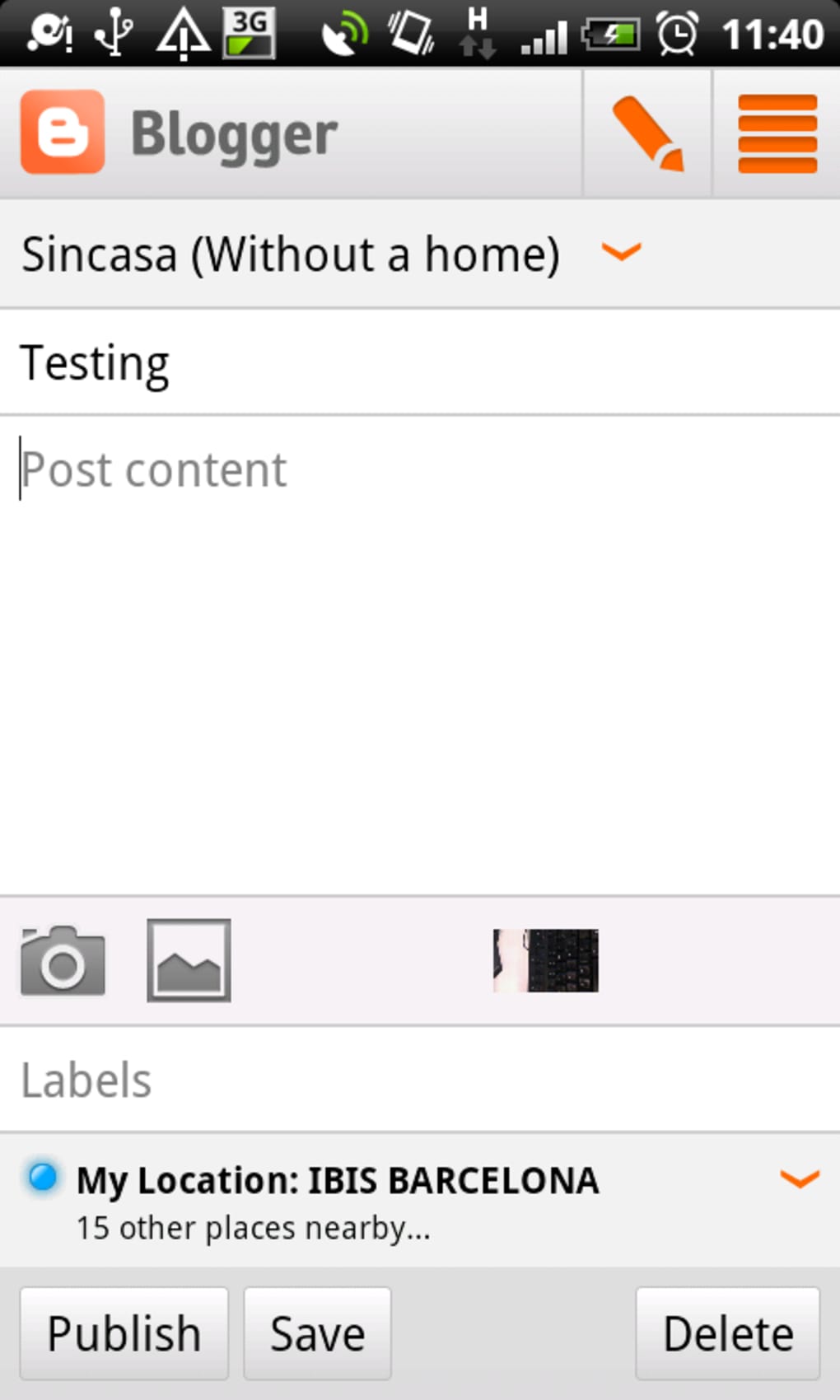
Workflow efficiency is enhanced by the app’s streamlined post editor, which allows users to write, format, and publish content in a few steps. The editor supports basic text formatting, image insertion, and media management. However, the developer did not specify resource usage details, so performance behavior in terms of CPU or RAM usage remains unknown. General software behavior patterns suggest stable operation under normal conditions, but users may experience delays during media uploads or when working with large posts.
Stability appears to be consistent based on the app’s current version, though some users have reported post formatting issues when viewing content across different platforms. The app does not currently support offline editing, meaning a stable internet connection is required for all actions. The developer did not provide performance benchmarks or detailed optimization notes.
Compatibility & System Requirements
Blogger APK is designed for Android operating systems and is compatible with devices running Android 5.0 and above. The current version is 14.0.0, with an installation size of 12.3 MB, making it a lightweight application suitable for most mobile devices. This small footprint ensures fast installation and minimal storage impact.
Exact system requirements were not listed, so users should ensure their device meets general Android standards for app functionality. The developer did not specify minimum RAM, processor speed, or GPU requirements. Compatibility information is limited to the OS and version provided. Users are advised to check for updates through the Google Play Store to maintain optimal performance and security.
Pros and Cons
Pros
- Free to use with no hidden costs
- Simple, intuitive interface ideal for beginners
- Access to hundreds of customizable templates
- Supports multiple blog management
- Basic analytics to monitor post performance
- Lightweight installation at just 12.3 MB
Cons
- Limited functionality compared to the web version
- No support for scheduled posts
- Post formatting issues may occur when viewed on other platforms
- Offline editing is not available
- Dependent on internet connection for all operations
FAQ Section
Is Blogger APK available for iOS devices?
The current information indicates that the app is only available for Android. There is no official iOS version provided by the developer.
Can I use Blogger without an internet connection?
Offline editing is not supported. All actions, including writing, editing, and publishing posts, require an active internet connection.
Is the app safe to download and use?
As the app is distributed through official channels and developed by Blogger, it is considered secure for use. However, users should always download from trusted sources to avoid third-party modifications.
How often are updates released?
Update frequency is not specified. Users are advised to keep the app updated via the Google Play Store to access the latest features and security patches.
Can I use a custom domain with Blogger APK?
While the app supports free subdomains, the ability to use a custom domain may require configuration through the web version. The app does not provide direct tools for custom domain setup.
Final Thoughts
Blogger APK offers a straightforward and accessible entry point into the world of digital publishing, particularly for users who value mobility and simplicity. Its lightweight design, free access, and intuitive interface make it an excellent choice for beginners and casual bloggers looking to share content on the go. While it lacks advanced features like scheduled posts and full offline support, its core functionality remains robust for basic blog management and content creation.
For individuals starting their blogging journey or maintaining a personal blog with a small audience, the app delivers solid value. It strikes a balance between ease of use and customization, allowing users to build a unique online presence without technical barriers. However, power users or those requiring full control over publishing workflows may find limitations in the mobile version.
Download Blogger APK now and start sharing your story today.
Guides & Tutorials for Blogger APK
How to install Blogger APK
- Click the Preview / Download button above.
- Once redirected, accept the terms and click Install.
- Wait for the Blogger APK download to finish on your device.
How to use Blogger APK
This software is primarily used for its core features described above. Open the app after installation to explore its capabilities.
User Reviews for Blogger APK 0
No reviews found





